

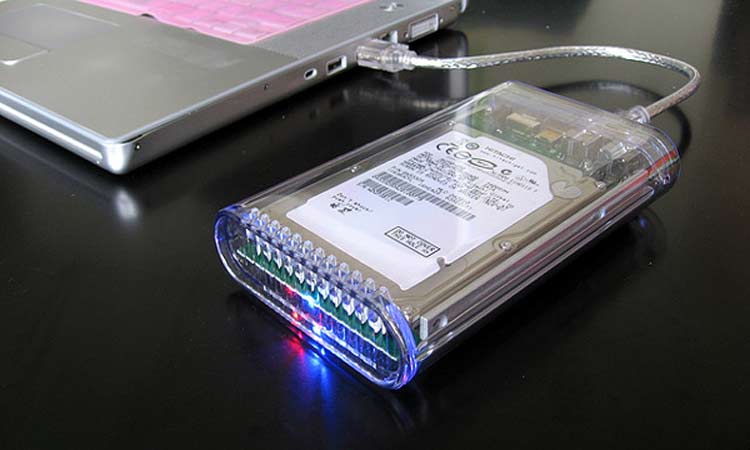
It is critical that you can get your data back in as little time as possible in the event that something wrong does happen with your system. The process of secure data recovery does not have to be all that hard to follow if you use a few simple tips to make it all work out for you. There are many great tips that will give you the control and assistance you deserve when finding a way to get your data back up and running without being any harder to follow than necessary.
Avoid Adjusting Factory Settings
You should not adjust the factory settings on your computer or other device. It is often going to be easier for a smartphone or other device to be hacked into if you alter the factory settings in any way. This in turn can make it easier for information to be lost as the device is not operating to the same standards you might normally be used to having. Keeping the system or factory settings as they are from when you first got your device can help you keep your data secure and protected.
Check Your Data Recovery Software Program
A good data recovery software program can be perfect to have as it can back up your data and help you restore it in the event that you lose any information. However, your program must also be engineered to where you can quickly get back your data in as little time as possible. In addition, you may want to avoid using the program if your hard drive is making unusual sounds as it could possibly cause added damages to your drive if not used the right way.

Use Backups Before Adding Updates
It’s often easy to assume that an update will give you plenty of support for new functions within your computer. However, the truth is that an update can potentially cause your computer to stop working, what with it possibly having errors and other problems that can get in the way of whatever you are doing.
However, you can always back up your information on a separate drive or device before getting into any updates on your computer or your drive. This is to ensure your data is secured and that the data recovery process can go uninhibited with as minimal data loss as possible.
Keep All Connections Secure
The connections that you can use when getting your data managed can vary and can often include things like links to higher speeds or higher amounts of data going through a network at a given time. You must make sure all connections within your network or system are as secure as possible. This is to ensure that your data is protected carefully enough and that you have a better sense of control over your network.
Redundancy Matters
Redundancy can make a difference when it comes to getting the most out of your data. This refers to having multiple backups to work with. For instance, it can entail a physical hard drive or portable hard drive backup alongside a cloud-based backup that contains the same information. Having several backups with the same items can make a difference as it ensures that your information is secure and won’t be harder to handle than needed.
Always Search First
The last thing to do when part of your data is lost is to search your hard drive first before doing anything else. There are many times when lost data comes about as a result of misplacing things or quick keystrokes that might have inadvertently caused you to move items to different spots in your computer. You can always search through your computer before seeing if you have to do anything more intensive to fix the problems that have come about where you are.
