

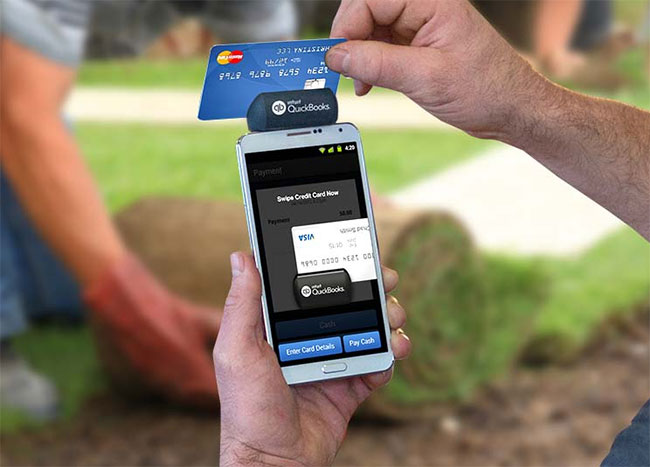
A smartphone has become one of the important tools that we use for our daily lives. It’s used for your credit cards, banks, images, records, and more than what you could imagine! It can even be used for easy to access transactions.
There are applications available that will allow you to pay for an item through your phone or by swiping your card through a mobile phone card reader. If you’re a business looking to do transactions through mobile credit card processing systems, most of the companies that develop these applications will provide you with a free card reader.
Some of the applications like the Google Wallet, Softcard, and the PayPass, require an NFC (Near Field Communication technology) for their POS (Point-Of-Sale) System. Others use a mobile-based system where transactions can be done within your smartphone.
Here are the top 10 best tools for accepting payment.
1. PayPass
PayPass is developed by MasterCard and allows fast transactions through NFC. Customers that use PayPass, Google Wallet, or Softcard can easily tap their phones over PayPass terminals to make payments. Vendors that would like to use the application may install a fully integrated POS system or purchase an NFC reader from MasterCard. The PayPass terminal allows vendors to accept forms of contract less payments.
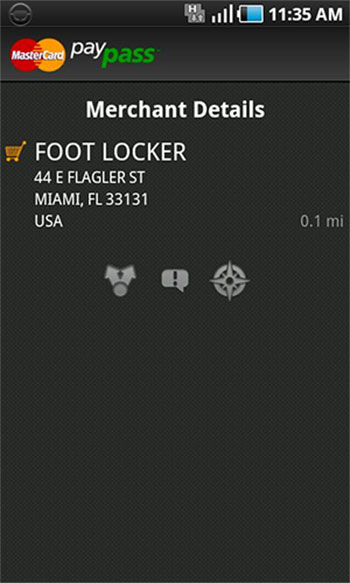
It also offers a MasterPass that can be used as an easy checkout for customers. The PayPass system does not charge vendors for usage and transaction fees. PayPass offers a built-in Map that allows you to track vendors that allow NFC or PayPass Transactions. This built-in Map can also be used to track vendors that allow Google Wallet or Softcard.
2. Google Wallet
Google Wallet is an android app that uses NFC Technology. It allows you to link your debit or credit card via your Google account. Similar to the PayPass, it allows you to merely wave your smartphone instead of tapping your credit card on an NFC machine. If you’re a google enthusiast, it’s great for days that you want to leave your wallet at home.
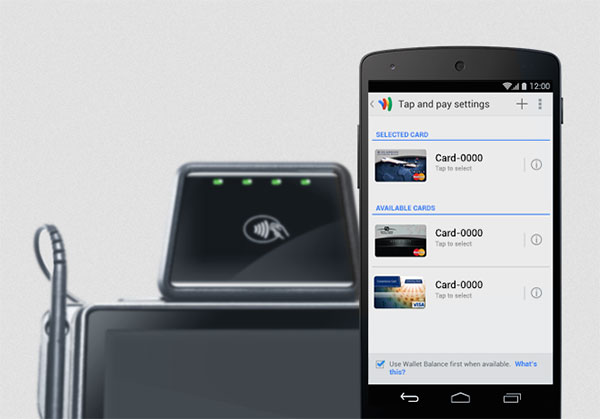
If you need to track vendors that allow Google Wallet transactions, as mentioned, you can use PayPass’ built-in map to look for vendors. It will provide you with information on places where these kinds of transactions are allowed.
Merchants will be able to use normal card-present fees for transactions. If your business already provides an online payment processing service, you can add Google Wallet to your service with no additional costs. You can also use their payment processor that charges transaction fees at 1.9%.
3. Softcard
Softcard also uses NFC technology and is one of Google Wallet’s main competitors. Softcard, which was originally named ISIS was renamed to avoid confusion, is a joint venture by Verizon, AT&T, and T-Mobile. It accepts 200,000 and more retailers and provides customers with a $10 preload to help them get started. It allows you to manage coupons, loyalty cards, and redeem offers.
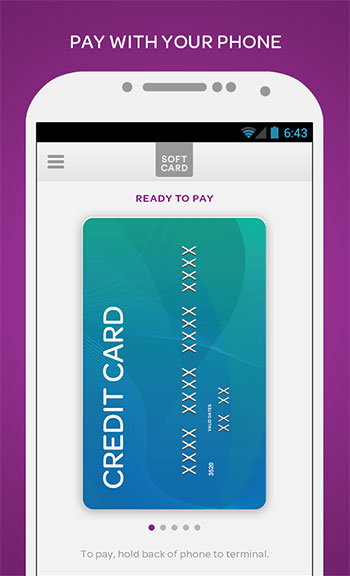
It has an extremely secured feature that requires a PIN code and allows users to remote freeze their wallet along with the wireless connection. Along with having a secure element to prevent your card from being counterfeited.
You can buy or rent an NFC reader by looking up one of Softcard’s partners.
4. PayPal Here
Let’s say that you would rather pay through PayPal. That isn’t an issue! PayPal Here is an app that allows businesses to let customers pay through their PayPal. This allows vendors and customers the opportunity to do transactions through a credit card or through their mobile phones.
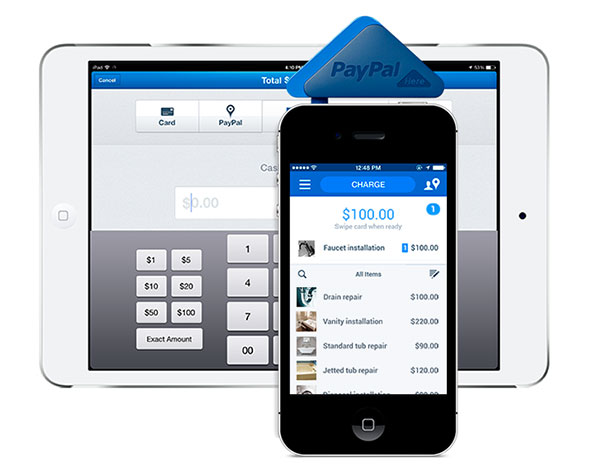
The PayPal card reader has a practical design consisting of three triangles. The device can be attached at the headphone jack of the smartphone. The smallest triangle of the device holds the card in place for the reader and lets the customer swipe with ease. It also offers a good amount of security.
You can choose to swipe the card on the card reader or take a picture of the credit card in case you forgot the card reader. It also allows check recognition which processes check payments at a single pic. The transactions are fast. Transaction funds can be easily placed within the merchant’s PayPal account. However, money deposited to the bank would still occur within 2-3 business days. The only setback here is that the payment is restricted to only one merchant account. That would be a hassle for major businesses.
On the customer’s side, you can choose to pay through PayPal. You just need to access your account and connect to a register that allows these kinds of checkouts. If you owe your friends a drink or two, you can also send money to your friends through this application.
5. Square
Square offers a no-frill approach to credit card processing. It has no monthly fees and a great idea for businesses looking to move to mobile credit card payment systems. It has a transaction fee of 2.75% and offers zero monthly fees. It has a free square (get it?) card reader that’s only an inch long and could possibly be the sleekest card reader.
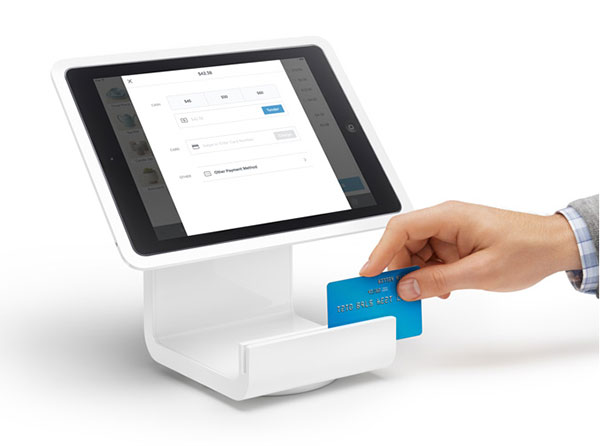
It’s customizable, in a way that it lets you place business logo and business name on purchase receipts and allows your customers the freedom to choose whether to receive it as email, text, or on paper. It also allows your business to have a customizable loyalty program for customers. If you’re good with the fees, Square is a great choice.
6. GoPayment
Inuit’s GoPayment supports up to 50 users for mobile transactions. It allows you to easily manage your company’s subscription fees along with its user content. The hardware comes with no additional costs.
The non-subscription is free and charges 2.75% per swiped card and 3.75% per keyed-in transaction. The subscription fee which charges at $12.95 a month, lowers the charges by 1 percent.
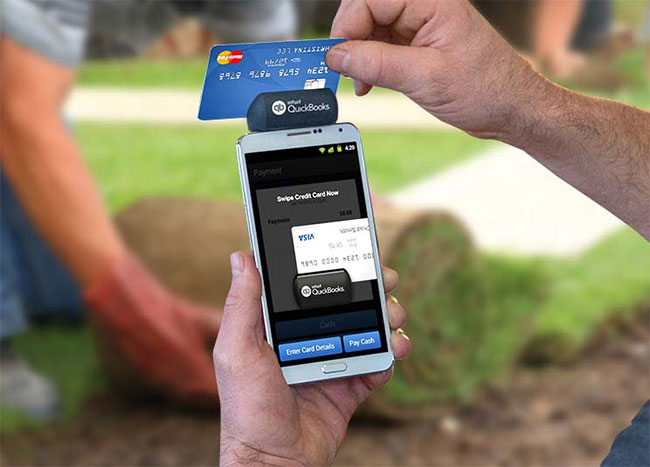
GoPayment allows you to return full refunds. However, partial refunds are to be done on Inuit’s web interface. Like most card payment tools, transaction funds are deposited into your bank within 2-3 days. If you’ve already been using Inuit’s payment software, it will synch with your accounting software for easier to manage books.
If you own a small business and you’re willing to accept the rates, GoPayment is a great choice!
7. PayAnywhere
PayAnywhere is a smart solution for straightforward mobile transactions. It offers a rate of 2.69% per transaction and a keyed-in rate of 3.49% + $0.19. The reader and app like most android tools are given for free. If you bought the reader at a retail store, it offers a 10% rebate for your first transaction. The software will deposit funds into your bank account within 2-3 business days and you’ll be informed via Email.
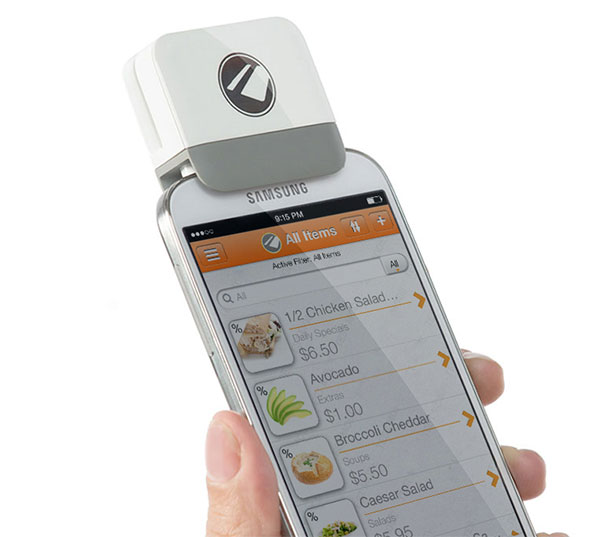
The only downside is that the fees are not affordable compared to its competitors. It’s still a solid app making its way to the list.
8. Phone Swipe
Phone Swipe is a mobile credit card processing device that allows a single merchant account to link to different card readers. It provides you the convenience of allowing credit card payments on different mobile devices. Go Tax, a tool provided by Phone Swipe calculates your tax percentages depending on your location.
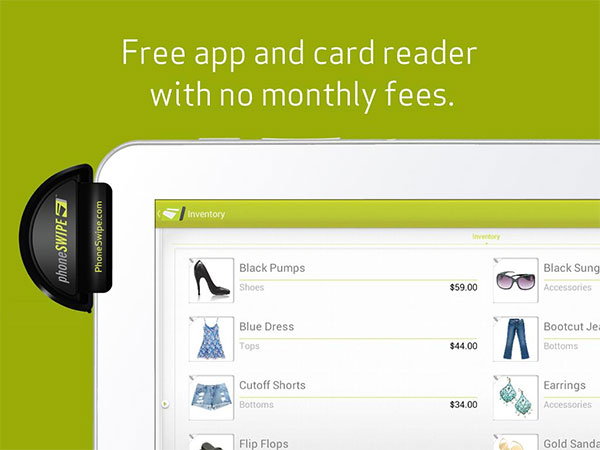
The account information is given a solid security and it will most definitely not be shared to other merchants. The only downside is that it charges expensive rates at 2.69% (swiped) and 3.49% + $0.19 (keyed-in). It’s also only found within the U.S.
9. Spark Pay
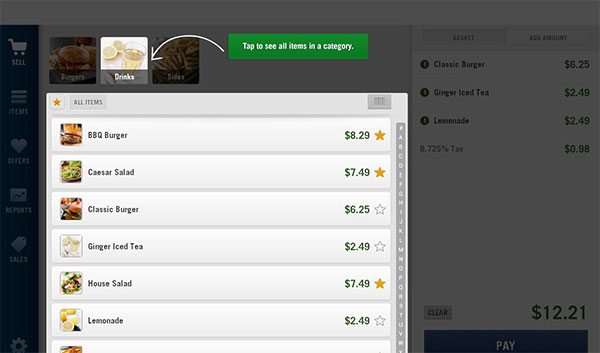
SparkPay offers a free application and card reader. SparkPay offers two options, the Pro Plan and the Go Plan. The former charges 2.7% flat per transaction which is a great idea for merchants that have high credit card sales. The latter charges a subscription fee of $9.95 a month charges 1.95% per transaction.
10. Credit Card Processing
Credit Card Processing is one of the most affordable mobile credit card processing services. It’s considerably easy to use and has reasonable competitive rates. It’s known to approve at least 98% of its clients within a given day.
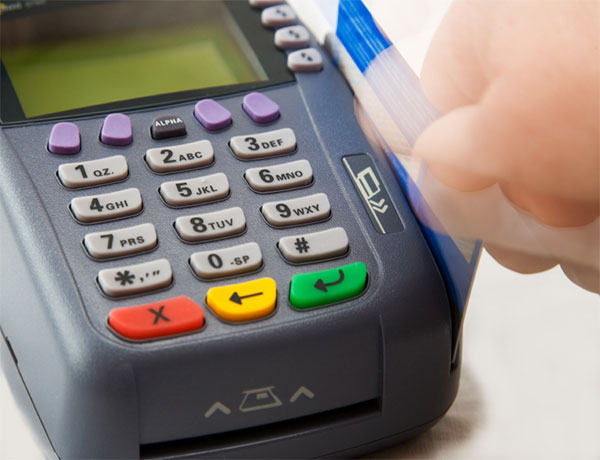
It’s compatible with the most devices and is easy to set up. It comes with a free device, and won’t charge you for cancellation. The only downside is that merchant accounts are restricted within the U.S.
Conclusion
Here are the Top 10 applications for accepting payment and I hope that this article helped you out. There are a lot of reviews for these applications. I’ve only added as much as I could inside an article.
When choosing to pay through your phone, whether you’re a customer or a vendor, always choose the best one. The application it should save you time and money in the long run. It should also fit your business. We at Utmost Array will provide you with the best technology for your needs.
