

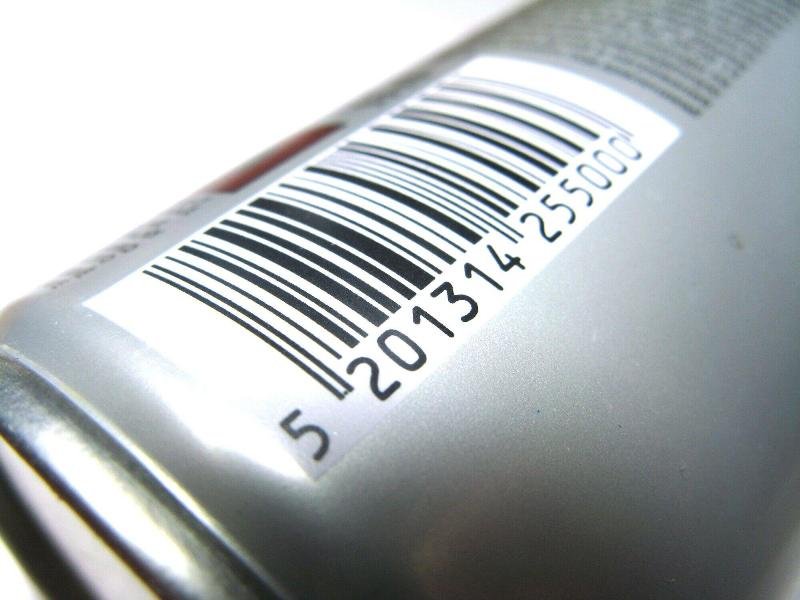
Barcodes are everywhere – in stores, warehouses, and even on your mail. They help people and businesses track items quickly and correctly.
Adding barcode scanning to your app can make things faster and easier for users. If you’re building with Blazor, there’s good news. You can easily add barcode scanning features with the right tools and steps.
This article will show you how to add a Blazor barcode scanner to your app and why it can improve your project.
What Is Blazor?
Blazor is a framework by Microsoft that lets you build web apps using C#. You don’t need JavaScript to create modern websites. With Blazor, your app runs in the browser or on the server, and it uses C# code.
This makes Blazor a great choice for .NET developers who want to build powerful and fast web apps. And because it works well with other tools, you can add features like barcode scanning smoothly.
Choosing the Right Barcode Scanner
You can use different types of barcode scanners with Blazor:
USB Scanners
USB barcode scanners are one of the most common and easiest to use. They plug into a computer using a USB cable and act like a keyboard. When you scan a barcode, the scanner types the barcode numbers into any text field, just like someone typing on a keyboard.
Camera-Based Scanners
Camera-based scanners use the device’s built-in camera (like a webcam or phone camera) to scan barcodes. These are popular for web apps because they don’t need extra hardware.
Mobile Scanners
Mobile barcode scanners are handheld devices or phones running mobile apps that scan barcodes. Some have built-in scanners, while others use the phone’s camera with a custom app. These scanners often come with rugged designs for warehouses, delivery services, or outdoor use.
How to Add a Barcode Scanner to Blazor
When adding barcode scanning to your Blazor app, it’s important to pick the right type of scanner. Different scanners work better for different situations. Here are the three main types you can choose from:
Use JavaScript Libraries
Even though Blazor runs C#, you can still use JavaScript libraries. One popular choice is QuaggaJS or Zebra Crossing (ZXing). These libraries can read barcodes from a camera feed.
You can add the library to your Blazor app and call it using JavaScript interop, which lets Blazor and JavaScript talk to each other.
Create a Razor Component
Build a Razor component that shows the camera feed. This part will display what the camera sees and scan the barcode in real-time.
Call the JavaScript Scanner
In your component, use JavaScript interop to start and stop the scanner. When the scanner reads a barcode, pass that value back to your C# code.
Show the Results
Once the scanner finds a barcode, display it on the screen or use it in your app’s logic-for example, to find a product or update inventory.
A Simple Use Case
Let’s say you’re building an inventory app for a small store. With a Blazor barcode scanner, your staff can scan items with a webcam or phone. When they scan an item, the app finds it in the database and updates the stock level.
Make Your App Smarter with Barcode Scanning
Adding barcode scanning to your Blazor app is a smart move. It saves time, lowers mistakes, and improves the user experience. Whether you’re building a store app, a warehouse tool, or a shipping tracker, barcode integration adds real value.
By using tools like JavaScript libraries and Blazor’s powerful features, you can build a smooth and fast barcode scanner into your app.
Stay ahead- explore our trending articles now!
